Table of Contents
Your phone battery draining fast is one of the most annoying problems we all face. You unplug your phone at 100%, and within a couple of hours, it drops down to 70% or even worse 50%. Whether you’re using Android or iPhone, battery drain issues have become more common than ever in 2025 due to heavier apps, background processes, and system updates.
The good news? You can fix it. In this complete guide, I’ll walk you through practical, updated, and fully working 2025 solutions to help your phone last longer throughout the day. These are real methods that actually work not generic tips like “lower brightness.”
Let’s jump right in.
Why Your Phone Battery Draining Fast in 2025
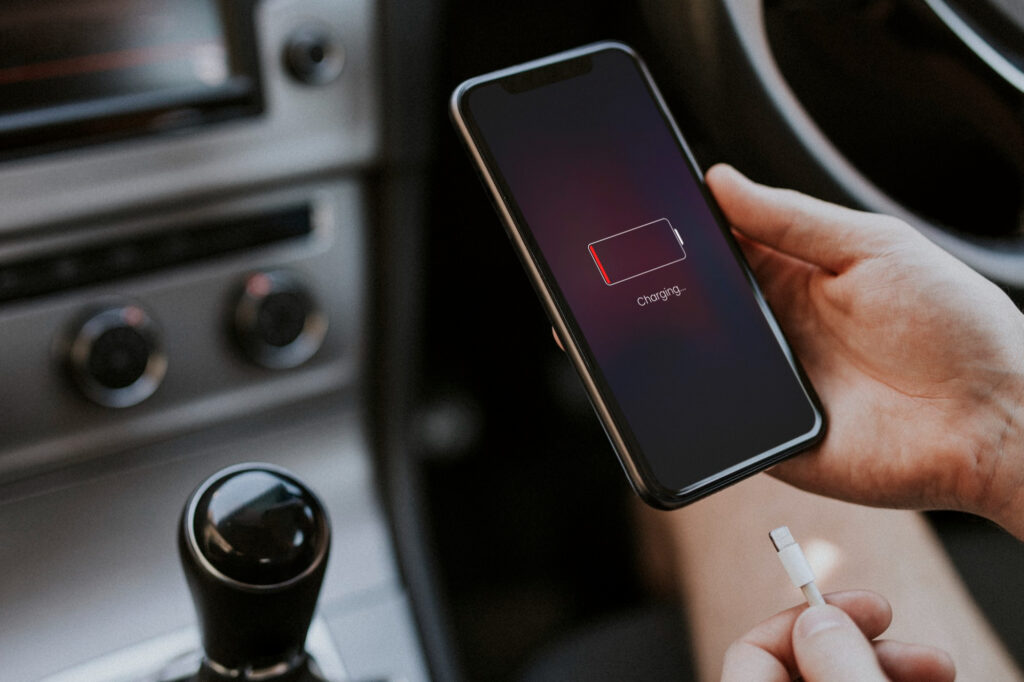
Before fixing it, it’s important to know why it’s happening. The battery doesn’t drain without a reason; something is consuming it behind the scenes.
Common Reasons
- Background apps running all day
- System updates using high resources
- 5G and always-on connectivity
- Location tracking
- Misbehaving apps
- High screen-on time
- Old or degraded battery health
Knowing the cause makes it 10× easier to fix the problem.
2025 Solutions to Fix Fast Battery Drain
Let’s go step by step with real, effective fixes you can apply immediately.
1. Check What’s Draining Your Battery the Most
Android
- Go to Settings
- Tap Battery
- Open Battery Usage
Here you’ll see which apps are draining the most power.
iPhone
- Open Settings
- Tap Battery
- Scroll to Activity by App
If you see suspicious apps like TikTok, Instagram, Snapchat, Facebook, or unknown apps consuming high percentage, that’s the first thing to fix.
2. Remove or Restrict High Battery-Consuming Apps
Some apps are battery killers especially in 2025 where apps constantly refresh and send data.
What you should do:
- Uninstall apps you don’t need
- Stop giving permissions to apps that run in the background
- Disable background app activity
Apps known for battery drain:
- TikTok
- Snapchat
- Google Maps
- Chrome
- Any VPN apps
- Gaming apps
Restrict them if uninstalling is not an option.
More: How to Check Which Apps Are Secretly Using Your Camera and Microphone in 2025
3. Turn Off 5G When Not Needed

5G drains more battery than you think especially if the signal is weak.
How to turn off 5G on Android / iPhone
Switch to:
- LTE / 4G instead of 5G
Your battery life will immediately improve.
4. Disable Always-On Display (AOD)
Many phones in 2025 have Always-On Display, and while it looks good, it kills battery life.
Turn off:
- Always-On Display
- Edge lighting
- Always-on notifications
This alone can save 5–10% battery per hour.
5. Reduce Screen Brightness or Enable Adaptive Brightness
Screen brightness still remains the #1 reason for battery drain.
Pro tip:
Use Adaptive Brightness instead of setting it manually.
6. Enable Battery Saver Mode (It’s Better in 2025)
Battery saver is smarter in 2025:
- Limits CPU usage
- Stops background activity
- Reduces animations
- Restricts syncing
Turn it on when battery drops below 40% or manually enable it all day if needed.
7. Turn Off Location Services For Apps
Apps track your location even when they don’t need it.
Disable location for:
- Snapchat
- TikTok
- Weather apps
- Random background apps
Set location to:
- While using the app instead of Always
This instantly stops draining.
8. Disable Background App Refresh / Background Activity
Background refresh makes apps constantly update even when you’re not using them.
iPhone
Settings → General → Background App Refresh → Off
Android
Settings → Apps → Select an app → Battery → Restrict background usage
9. Turn Off Bluetooth, NFC, and WiFi Scanning
These silently search for connections and drain power.
Turn off:
- Bluetooth
- NFC
- WiFi Scanning
- Nearby Device Scanning
Unless you’re using them actively, they should stay off.
10. Remove Live Wallpapers and Animations
Live wallpapers may look cool, but they drain battery quickly.
Use:
- Static wallpapers
- Minimal animations
- Low-motion themes
11. Update Your Apps and Software
Outdated apps can glitch and drain battery.
Why updates help:
- Fix bugs
- Improve battery optimization
- Stop background leaks
Always install system updates, but avoid beta versions.
12. Clear Cache and Junk Files
Overloaded cache causes overheating, which drains the battery fast.
Android steps:
Settings → Apps → Choose App → Storage → Clear Cache
iPhone:
Offload unused apps.
13. Reduce Screen Timeout
Set screen timeout to:
- 15–30 seconds instead of 2 minutes
The less your screen stays on, the more battery you save.
More: Proven Methods to Recover Deleted Photos from Google Photos in 2025
14. Stop Using Fast Charging All the Time
Fast charging heats up your battery and slowly damages it.
Use slow charging when:
- Charging overnight
- Working at your desk
- You don’t need a quick boost
Your battery lifespan will improve.
15. Turn On Optimized Charging (2025 Feature)
Optimized charging protects your battery health by slowing charging past 80%.
iPhone:
Settings → Battery → Battery Health & Charging → Optimized Charging
Android:
Settings → Battery → Adaptive Charging
16. Avoid Using Your Phone While Charging
Using your phone while charging:
- Overheats the device
- Slows down charging
- Damages the battery health
- Increases drain
Put your phone aside for 15–20 minutes for efficient charging.
17. Check Battery Health
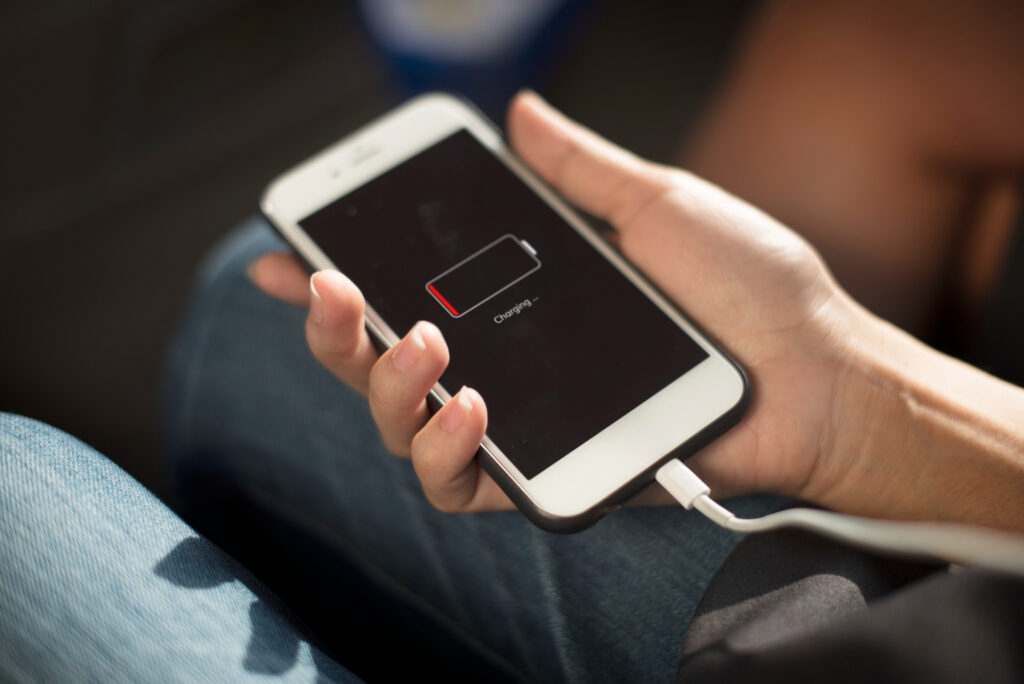
If your battery health is low, no software fix will help.
iPhone
Settings → Battery → Battery Health
Anything below 80% means replacement is needed.
Android
Go to Settings → Battery
(Some brands show battery health under Device Care)
If it’s degrading, change it.
18. Disable Unnecessary Widgets
Widgets continuously update, draining battery.
Remove widgets such as:
- Weather
- News
- Social media shortcuts
- Live calendar
19. Factory Reset (Last Option)
If nothing works:
- You may have a corrupted system file
- Hidden malware
- Broken settings
A factory reset gives your phone a fresh start.
Always backup first.
Conclusion
A fast-draining phone battery is one of the biggest frustrations in 2025, but thankfully, the solutions are simple and effective. Whether the issue is caused by heavy apps, background processes, weak signal, unnecessary features, or poor battery health, you now know exactly how to fix it and stop phone battery draining problems easily.
By following these steps checking battery usage, disabling background activity, turning off 5G, optimizing charging, and managing permissions you can add hours of extra battery life every single day. Your phone will feel faster, cooler, and way more reliable, and you won’t have to worry about phone battery draining unexpectedly anymore. With these fixes, even severe phone battery draining issues can be controlled quickly.
Take 5–10 minutes to apply these fixes today, and you’ll immediately see the difference.
FAQs
1. Why is my phone suddenly experiencing phone battery draining fast?
Because apps or system processes are running in the background, or your battery is aging.
2. How do I stop apps from draining my battery?
Restrict background activity and remove apps that constantly refresh.
3. Does 5G drain battery fast?
Yes, especially with weak network signals.
4. How often should I check battery health?
At least once every two months.
5. When should I replace my phone battery?
If battery health drops below 80% or the phone drains extremely fast even after optimization.