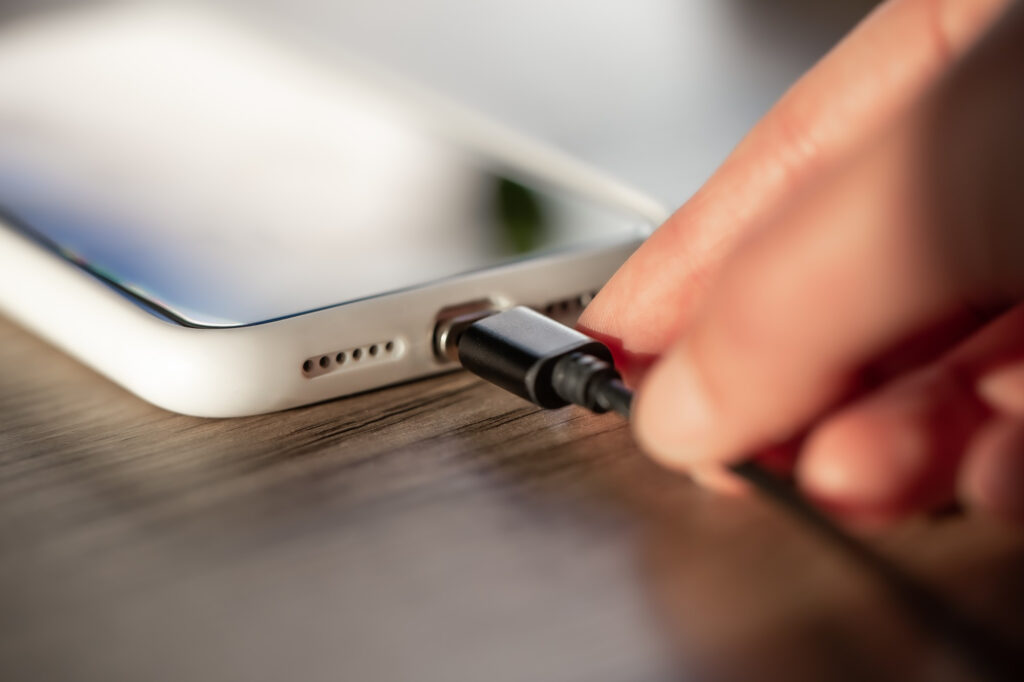
Fix phone not charging properly issues can ruin your entire day. You plug it in, wait for minutes, and the battery percentage barely moves. Sometimes it charges only at a certain angle. Other times it disconnects again and again. This problem affects both Android and iPhone users and in most cases, the cause is simple and fixable at home.
You do not need to rush to a repair shop immediately. Many charging issues happen due to dirt, damaged accessories, software problems, or battery settings.
Table of Contents
Why Your Phone Is Not Charging Properly
Understanding the reason makes the fix much easier. Common causes include a dirty charging port, faulty charging cable, weak power source, overheating, background apps draining power, outdated software, or poor battery health. Sometimes the phone is charging but losing power at the same time due to heavy usage.
Once you identify what is causing the issue, you can fix phone not charging properly without wasting time or money.
Check the Charging Cable and Adapter First
Charging cables and adapters wear out faster than phones. Internal wire damage is common even if the cable looks fine from outside.
Try these steps:
Use a different charging cable
Use another power adapter
Avoid cheap or fake chargers
Charge directly from a wall socket
If your phone charges normally with another cable or adapter, the problem is solved. Always use original or certified chargers for stable charging.
Clean the Charging Port Properly
A dirty charging port is one of the most common reasons people cannot fix phone not charging properly. Dust and pocket lint block the charging pins inside the port.
How to clean it safely:
Turn off your phone
Use a wooden toothpick or plastic pin
Gently remove lint and dust
Blow lightly or use compressed air
Never use metal objects. After cleaning, plug in the charger and check if charging improves.
Check If the Charging Port Is Loose
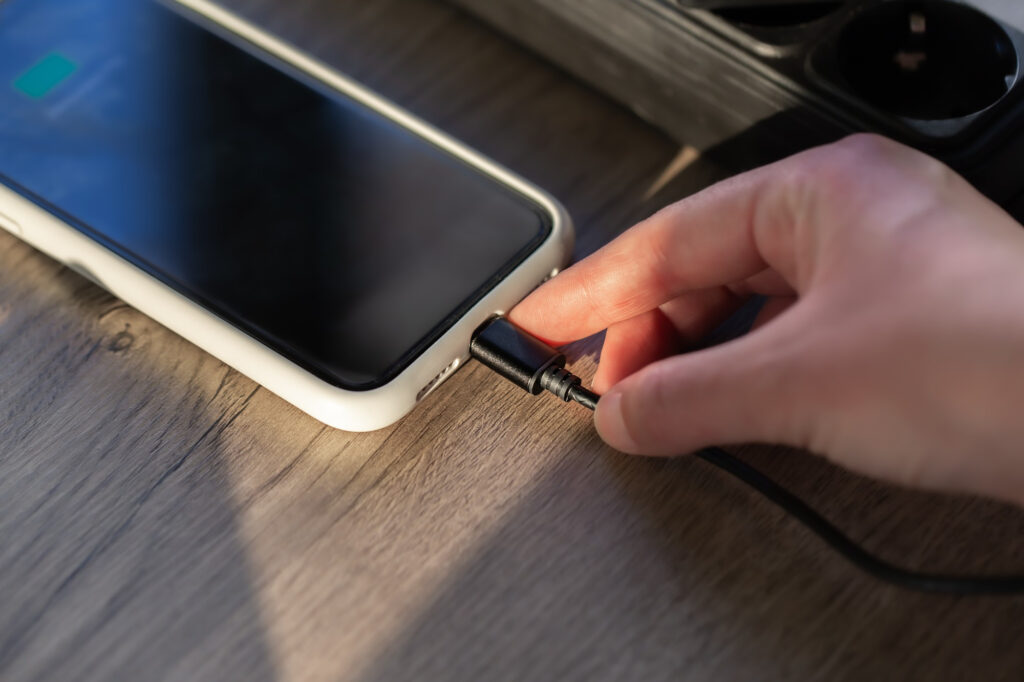
If the cable does not fit firmly or charging stops when you move the phone, the port may be loose.
Common signs:
Charging works only at a certain angle
Charging disconnects easily
Cable does not click or fit tightly
Sometimes cleaning fixes this. If the port is physically damaged, a technician repair is required.
More: How to Fix Blurry Camera on Android in 2025
Try a Different Power Source
The problem might not be your phone at all.
Test charging using:
Another wall socket
Power bank
Laptop USB port
Car charger
If charging works from another source, your original power outlet or extension board is weak or faulty.
Remove the Phone Case While Charging
Thick or poorly designed phone cases trap heat and interfere with charging.
Remove the case and charge again. If charging speed improves, overheating was the issue. Keeping the phone cool helps fix phone not charging properly.
Let the Phone Cool Down Before Charging
Phones automatically slow or stop charging when they get too hot to protect the battery.
Causes of overheating include gaming, video streaming, hot environments, or charging under sunlight.
Fix this by:
Stopping heavy usage
Removing the phone case
Charging in a cool room
Avoiding charging under direct heat
Cooling down the phone often restores normal charging instantly.
Restart Your Phone
Software bugs can interrupt charging.
Restarting clears temporary system errors.
Steps:
Restart the phone
Plug in the charger after restart
Do not open apps immediately
This simple step fixes charging issues surprisingly often.
Update Your Phone Software
Outdated software can cause battery and charging problems.
Check for updates:
Android users go to Settings and Software Update
iPhone users go to Settings then General then Software Update
Updates improve power management and can fix phone not charging properly caused by bugs.
More: How to Reset Phone Without Losing Data in 2025
Disable Fast Charging Temporarily
Fast charging is convenient but can sometimes cause unstable charging.
Go to battery settings and turn off fast charging options. Then charge normally and see if charging becomes consistent.
If it helps, you can keep fast charging disabled or enable it only when needed.
Check Battery Usage and Background Apps
Your phone may be charging but losing power at the same time.
Go to battery settings and check which apps consume the most battery. Social media apps, games, GPS apps, and background syncing apps are common culprits.
Fix this by:
Force stopping unused apps
Restricting background activity
Uninstalling unnecessary apps
Reducing battery drain helps fix phone not charging properly.
Charge the Phone While Powered Off
Turn off your phone completely and plug in the charger.
If charging works better while powered off, background apps or system processes are causing the issue.
This confirms the problem is software related, not hardware.
Use Safe Mode on Android
Safe Mode disables all third party apps.
Enter Safe Mode and charge the phone. If charging works normally, one of your installed apps is causing the problem.
Remove recently installed or suspicious apps one by one to find the culprit.
Check Wireless Charging If Available
If wired charging fails but wireless charging works, the charging port may be damaged.
This means:
Battery is healthy
Software is fine
Charging port needs repair
Wireless charging can be used as a temporary solution.
Inspect Battery Health
Batteries degrade over time and lose charging efficiency.
Signs of poor battery health include slow charging, sudden battery drops, phone shutting down randomly, or charging stuck at certain percentages.
On iPhone, check Battery Health in settings. On Android, use built in diagnostics or trusted battery tools.
If battery health is low, replacement is the only long term fix.
More: How to Fix Phone Battery Draining Fast (2025 Effective Solutions)
Avoid Charging From Laptops and Cars
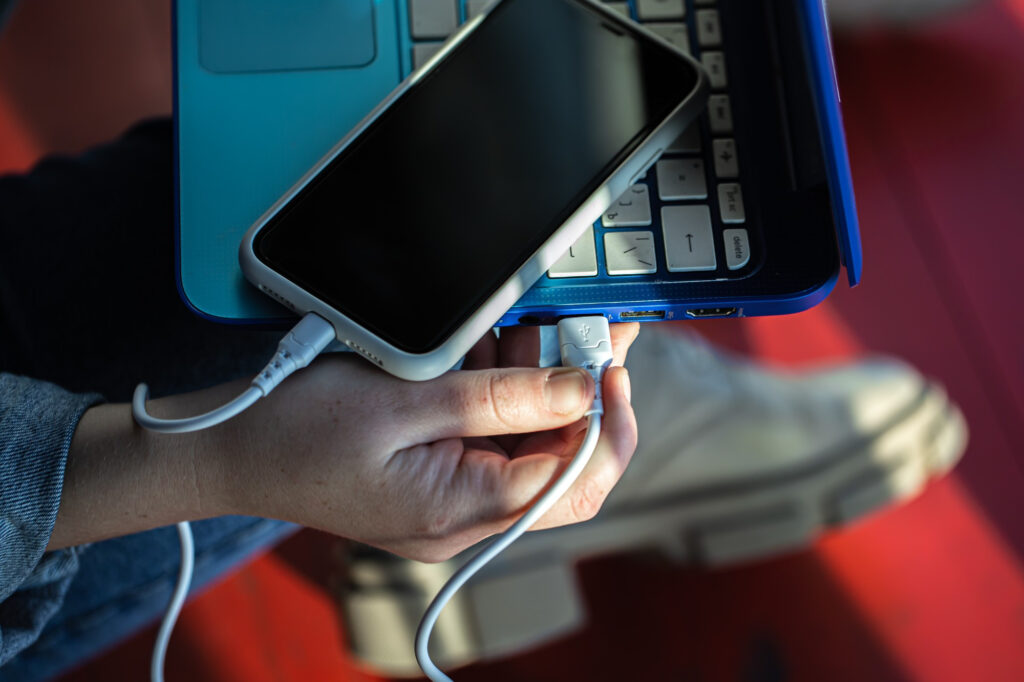
Laptop USB ports and car chargers often provide weak and unstable power.
Use wall chargers whenever possible to fix phone not charging properly and ensure stable current flow.
Factory Reset as a Last Solution
If all else fails, software corruption might be the cause.
Before resetting:
Back up all data
Sign out of accounts
After reset, test charging before installing apps. If charging works fine, reinstall apps carefully.
When You Should Visit a Repair Shop
Seek professional help if:
Charging port is physically damaged
Phone does not charge with any cable or charger
Phone was exposed to water
Battery is swollen or overheating badly
Avoid forcing the charger into the port, as this can cause permanent damage.
Conclusion
Charging problems are frustrating, but most of the time they are caused by simple issues like dirty ports, faulty cables, overheating, or background apps. By following the steps above, you can fix phone not charging properly without expensive repairs.
Only a small number of cases require hardware replacement. Regular cleaning, proper chargers, software updates, and battery care will keep your phone charging reliably and safely.
FAQs
Why is my phone charging but battery percentage not increasing
This usually happens due to background apps draining power or overheating slowing charging.
Can a damaged charging cable really cause charging issues
Yes, damaged cables are one of the most common reasons phones do not charge properly.
Is it bad to use the phone while charging
Heavy usage while charging creates heat and slows charging significantly.
Why does my phone stop charging at 80 percent
Modern phones slow charging to protect battery health. This is normal behavior.
How do I know if my battery needs replacement
If battery drains fast, charges inconsistently, or health is low, replacement is recommended.