
Table of Contents
Running high end games on a low end PC sounds unrealistic at first. Modern games are designed for powerful hardware, and if your system is weak, you will usually face lag, stuttering, and low frame rates.
But here is the truth. You do not always need expensive hardware to enjoy these games. With the right approach, you can make high end games playable even on a low end PC. The key is not magic. It is understanding how your system works and reducing the load in smart ways.
This guide gives you practical and realistic methods to run high end games on a low end PC without wasting time on useless tricks.
Understand Your PC Limits First
Before doing anything, you need to understand what your PC can actually handle.
Every system has limits based on:
CPU power
Graphics card performance
RAM size
Storage speed
If you ignore these limits and try to run everything on high settings, the game will struggle.
The goal is not to make the game look perfect. The goal is to make it run smoothly and consistently.
Once you accept this, everything becomes easier.
Lower Graphics Settings the Right Way
Most people lower everything randomly. That is not the best approach.
Some settings affect performance much more than others. Focus on the heavy ones first.
Start with:
Shadows
Reflections
Post processing
Anti aliasing
View distance
These settings consume a lot of resources. Reducing them gives a big performance boost.
Texture quality can stay slightly higher if you have enough VRAM, but everything else should be lowered for stability.
Always prioritize smooth gameplay over visual quality.
Use Resolution Scaling
Resolution has a huge impact on performance.
Running a game at full resolution on a low end PC puts a lot of pressure on the GPU. Lowering the resolution reduces that load immediately.
You can:
Lower your screen resolution
Use in game resolution scaling
Even reducing resolution slightly can improve FPS a lot.
Yes, the image will look less sharp, but the game will feel much smoother.
More: Why Your PC Overheats While Gaming and How to Fix It in 2026
Close Background Programs Completely
This is one of the easiest fixes, yet many people ignore it.
Your PC might be running multiple programs while you are gaming. These programs use CPU, RAM, and sometimes even GPU.
Close everything unnecessary before launching a game:
Browsers
Music apps
Launchers
Downloads
On a low end PC, even small background tasks can cause noticeable lag.
Freeing resources allows your system to focus entirely on the game.
Update Drivers for Better Performance
Graphics drivers are important for game performance.
Game developers optimize their games for updated drivers. Running outdated drivers can cause stuttering, low FPS, or compatibility issues.
Install the latest drivers for your GPU.
Driver updates often improve performance in newer games without changing anything else.
Use Game Mode and Performance Settings
Operating systems include features that help improve gaming performance.
Enable game mode if available. It prioritizes system resources for gaming.
Also adjust your power settings to high performance mode. This allows your CPU to run at higher speeds.
These small changes can improve stability on weaker systems.
Install Games on SSD if Possible
Storage speed matters more than most people think.
High end games constantly load textures, maps, and assets. If your storage is slow, the game may stutter while loading data.
Solid state drives are much faster than traditional hard drives.
Installing games on an SSD reduces loading times and can make gameplay smoother, especially in open world games.
Use Performance Optimization Tools Carefully
There are many tools that claim to boost FPS. Most of them are useless or even harmful.
However, some basic tools can help:
Game launch options
GPU control panel settings
Simple optimization utilities
Avoid extreme tweaks or unknown software. Focus on safe and simple adjustments.
Good optimization is about balance, not risky shortcuts.
Adjust In Game Settings Based on Game Type
Not all games behave the same way.
For example:
Open world games need more RAM and storage speed
Competitive shooters need stable FPS
Story based games focus more on visuals
Adjust settings based on what matters most for that game.
For shooters, prioritize FPS and responsiveness.
For story games, you can balance visuals and performance.
More: Best FPS Settings for Low End PC in 2026 Complete Optimization Guide
Increase Virtual Memory
Low end PCs often have limited RAM.
When RAM runs out, the system uses storage as extra memory. This is called virtual memory.
Increasing virtual memory can help reduce stuttering in some cases.
It will not replace real RAM, but it can prevent crashes and improve stability.
Keep Your System Cool
Heat reduces performance.
When your CPU or GPU gets too hot, it slows down automatically. This leads to FPS drops and stuttering.
Make sure your system is not overheating.
Clean dust from fans
Ensure proper airflow
Avoid playing in very hot environments
Keeping your PC cool helps maintain consistent performance.
Use Older Versions or Optimized Game Builds
Some high end games receive updates that increase system requirements.
In certain cases, older versions of a game may run better on low end PCs.
Also, some games offer performance modes or optimized builds.
Always check if the game has options designed for weaker systems.
Lower Resolution Scale Instead of Everything Else
If your FPS is still low, reduce resolution scale further instead of lowering every setting.
Resolution scaling gives one of the biggest performance boosts.
Dropping it to 80 percent or even 70 percent can make a huge difference.
This is often better than lowering dozens of small settings.
Accept Playable Performance, Not Perfect Graphics
This is where most people fail.
You cannot expect high end visuals on low end hardware. That is not realistic.
Instead of chasing perfect graphics, focus on stable performance.
A smooth 30 to 45 FPS experience is far better than unstable high FPS with stuttering.
Once you accept this, gaming becomes much more enjoyable.
When You Should Upgrade
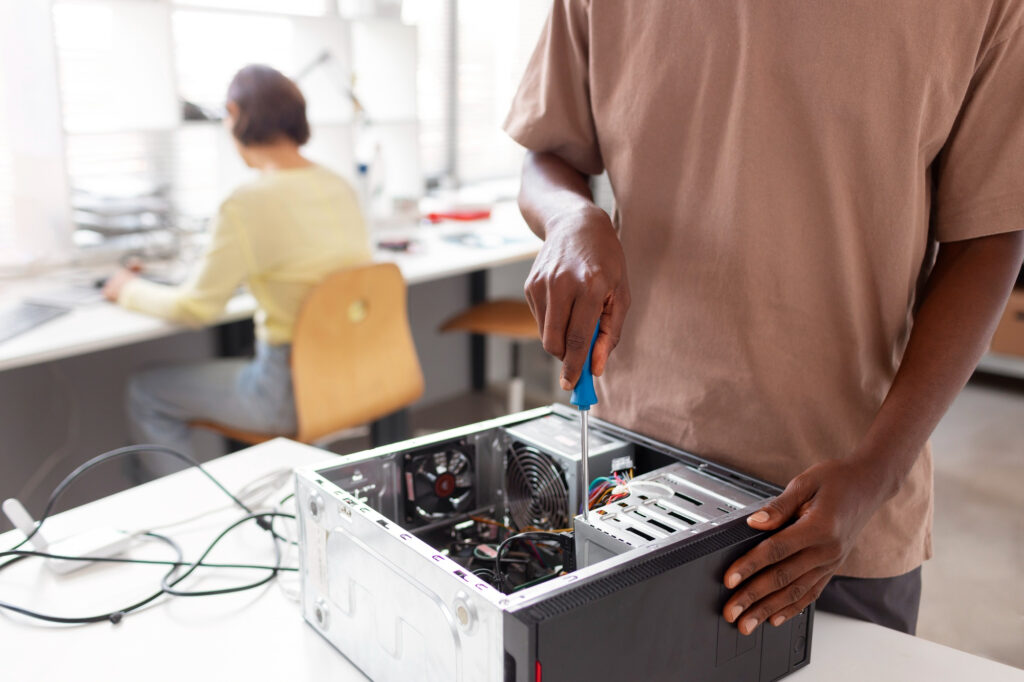
Sometimes, no amount of optimization is enough.
If your PC is extremely outdated, you may need to upgrade.
The most useful upgrades are:
Adding more RAM
Switching to SSD
Upgrading GPU
Even small upgrades can improve performance significantly.
But always try optimization first before spending money.
More: How Much RAM Do You Need for Gaming in 2026?
Final Thoughts
Running high end games on a low end PC is possible, but it requires realistic expectations and smart adjustments.
Lowering the right settings, reducing resolution, closing background programs, and keeping your system optimized can make a big difference.
You do not need expensive hardware to enjoy gaming. You just need to use your system efficiently.
Focus on smooth gameplay instead of visual perfection, and you will get the best possible experience from your PC.