

Table of Contents
Online gaming on consoles like Xbox and PlayStation is supposed to be smooth and enjoyable. But when lag hits, everything feels delayed. Your character moves late, shots don’t register properly, and the game becomes frustrating instead of fun.
Many players think lag is only caused by slow internet, but that is not always true. Lag in online games can come from several different issues like network problems, bad settings, server distance, or even background usage.
The good news is that most of these problems can be fixed. You do not need expensive upgrades. You just need to understand what is causing the lag and fix it.
What Lag Means in Online Games
Lag is the delay between your action and the game’s response. In online games, this delay happens because your console has to send data to a server and receive a response.
If this communication is slow or unstable, you will experience:
Delayed movement
Shots not registering
Rubberbanding where your character moves back suddenly
Freezing or stuttering during gameplay
Lag is not the same as low FPS. FPS depends on your hardware, while lag depends mostly on your internet connection and network stability.
More: Best FPS Settings for Low End PC in 2026
Why Lag Happens in Online Console Games
Understanding the cause is important before fixing the problem.
Slow or Unstable Internet Connection
This is the most common reason.
If your internet speed is low or unstable, data cannot travel quickly between your console and the game server.
Even if your speed looks fine, unstable connections can still cause lag.
High Ping
Ping is the time it takes for data to travel from your console to the server and back.
Higher ping means more delay.
If you are connected to a server far away, your ping increases, which causes lag.
Using WiFi Instead of Wired Connection
WiFi is convenient but not always stable.
Wireless signals can be affected by:
Walls and distance
Other devices
Network interference
This can cause inconsistent performance and lag spikes.
Network Congestion
If multiple devices are using the same internet connection, bandwidth gets shared.
Streaming videos, downloads, and other activities can slow down your connection.
This leads to lag during gaming.
Background Downloads on Console
Your console itself may be downloading updates or games in the background.
This uses internet bandwidth and increases lag.
Server Issues
Sometimes the problem is not on your side.
Game servers can be overloaded or unstable.
In this case, even a perfect connection may still experience lag.
How to Fix Lag in Online Games on Console
Now let’s fix it properly with real steps that make a difference.
Use a Wired Ethernet Connection
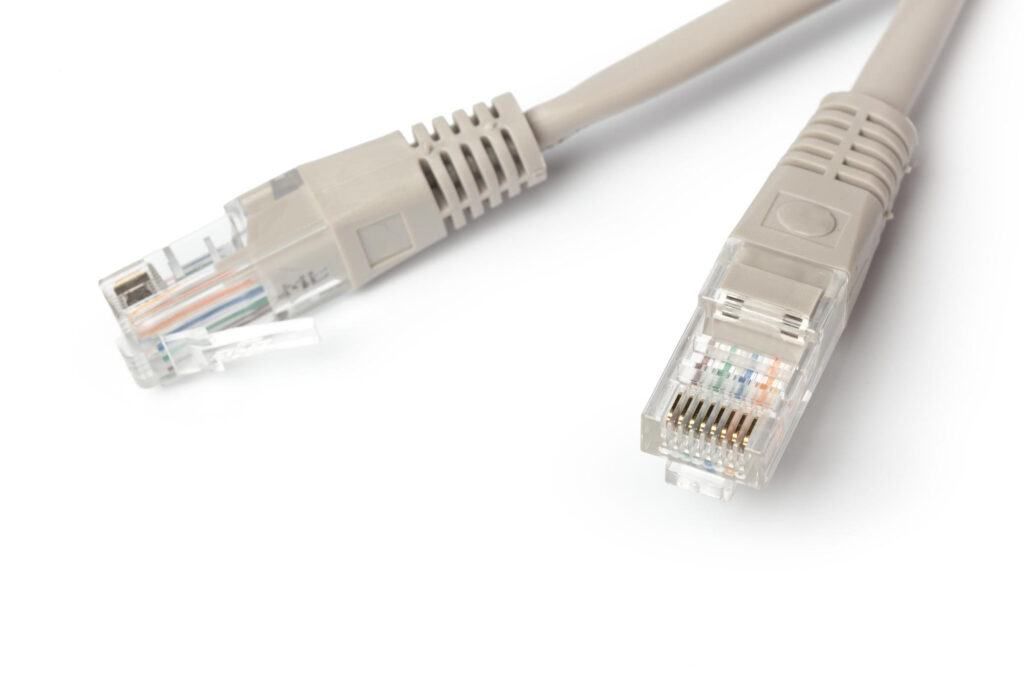
This is the most effective fix.
Connecting your console directly to the router with an Ethernet cable provides a stable and fast connection.
Wired connections reduce packet loss and improve consistency.
If you are serious about online gaming, this is not optional. It is necessary.
Restart Your Router and Console
Simple but powerful.
Restarting your router clears temporary network issues.
Restarting your console refreshes system processes.
Doing both can fix random lag problems instantly.
Stop Background Downloads
Before playing online games, check if your console is downloading anything.
Pause or stop all downloads and updates.
This frees up bandwidth and improves connection quality.
Reduce Network Usage at Home
If other people are using the internet heavily, your gaming performance will suffer.
Try to avoid gaming while:
Streaming videos in high quality
Downloading large files
Using multiple devices at once
Less network usage means better performance for your game.
Choose the Right Server Region
Many games allow you to select a server region.
Always choose the closest server to your location.
Closer servers mean lower ping and less delay.
This can make a big difference in responsiveness.
More: Why Games Freeze Randomly and How to Fix It in 2026
Improve Your WiFi Setup (If You Cannot Use Ethernet)
If Ethernet is not possible, improve your WiFi connection.
Place your console closer to the router
Avoid obstacles between them
Use a strong and stable network
You can also switch to a less crowded WiFi channel if your router supports it.
Enable Game Mode on Your TV
Display settings can also affect your experience.
Enable game mode on your TV to reduce input delay.
While this does not fix network lag, it improves responsiveness and makes the game feel smoother.
Update Your Console Software
System updates often include performance improvements and bug fixes.
Make sure your console is running the latest software version.
Outdated systems can sometimes cause unexpected issues.
Check Your Internet Speed and Stability
Run a speed test to check your connection.
For online gaming, you need:
Stable connection
Low ping
Consistent speed
Even moderate speed works fine if it is stable.
Unstable internet is worse than slow internet.
Use Quality of Service Settings on Router
Some routers allow you to prioritize gaming traffic.
This feature is called Quality of Service.
You can set your console as a priority device so it gets the best connection.
This reduces lag when multiple devices are connected.
Common Mistakes That Cause Lag
Many players unknowingly create lag problems.
Using WiFi Far From Router
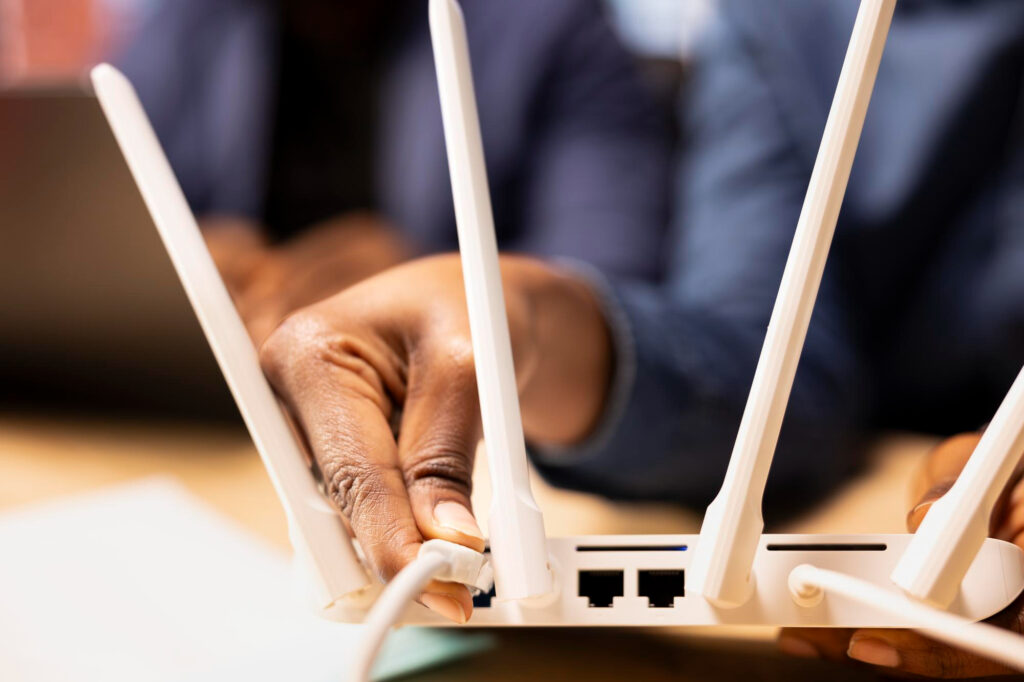
Distance weakens signal strength and increases lag.
Ignoring Background Downloads
Even small downloads can affect gameplay.
Playing on Wrong Servers
Connecting to distant servers increases ping.
Overloading the Network
Too many devices using internet at the same time causes issues.
When Lag Is Not Your Fault
Sometimes you do everything right and still experience lag.
This usually happens due to:
Game server issues
Maintenance or updates
High player traffic
In such cases, the problem will fix itself once the servers stabilize.
Final Thoughts
Lag in online console games can make even the best games feel unplayable. But most of the time, the problem is not as complicated as it seems.
Using a wired connection, reducing network usage, choosing the right server, and managing your setup properly can significantly reduce lag.
You do not need high speed internet to enjoy online games. You need a stable and optimized connection.
Once you fix the main issues, your gameplay will feel smoother, faster, and more responsive.